¶ Transformation Rules
Transformation rules in the financial security master establishment are a set of guidelines and standards designed to convert raw data into a standardized format suitable for business users. These rules are essential for ensuring that data is consistent, accurate, and ready for analysis and reporting. The transformation process typically involves several key steps: validating data to ensure its accuracy, normalizing data to maintain consistency, merging and consolidating data from various sources, and mapping data to appropriate fields based on specific conditions. Business users can also prioritize these rules to determine the order in which they are executed.
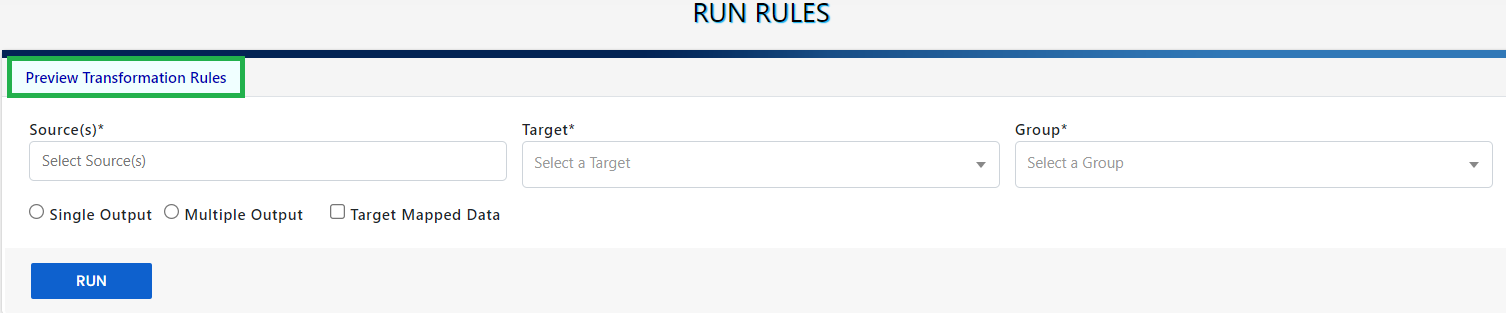
The Transformation Repository page is a dedicated interface where users can set up transformation rules for a pair of source and target datasets. Users start by selecting the primary data source and the target dataset. They then proceed to define rules for the desired data attributes, ensuring that the data is transformed correctly to meet business needs. This setup allows for precise control over the data transformation process, facilitating accurate and efficient data analysis and reporting.

When the user selects Load Repository the page will load the already setup transform rules else it will guide to the Rules Builder page.
¶ Rules Builder
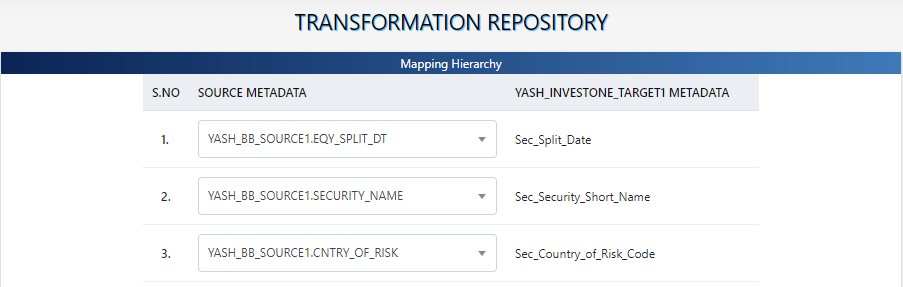
The Rules Builder is a versatile tool designed to empower business users to create and apply a wide range of rules and conditions to their data. This tool supports various functionalities, including concatenating data, formatting dates, defining Boolean values, using arithmetic operators, performing lookups, and converting codes. The Rules Builder provides an intuitive interface that allows users to define conditional clauses and rules, enabling a variety of data transformation and validation functions.
For example, business users can use the Rules Builder to:
- Validate NULL Fields: Ensure essential fields like security identifiers and country of domicile are not left empty.
- Apply Date Formatting Conditions: Standardize the format for dates such as issue date, transaction date, coupon date, and maturity date.
- Perform Calculations: Conduct calculations on fields like closing prices and convert between foreign and local currencies.
- Lookup and Code Conversion: Access and apply industry classifications, country codes, and currency codes for consistent data reporting and analysis.
By leveraging these capabilities, the Rules Builder helps ensure data integrity, accuracy, and consistency across various financial dataset
¶ Run Rules
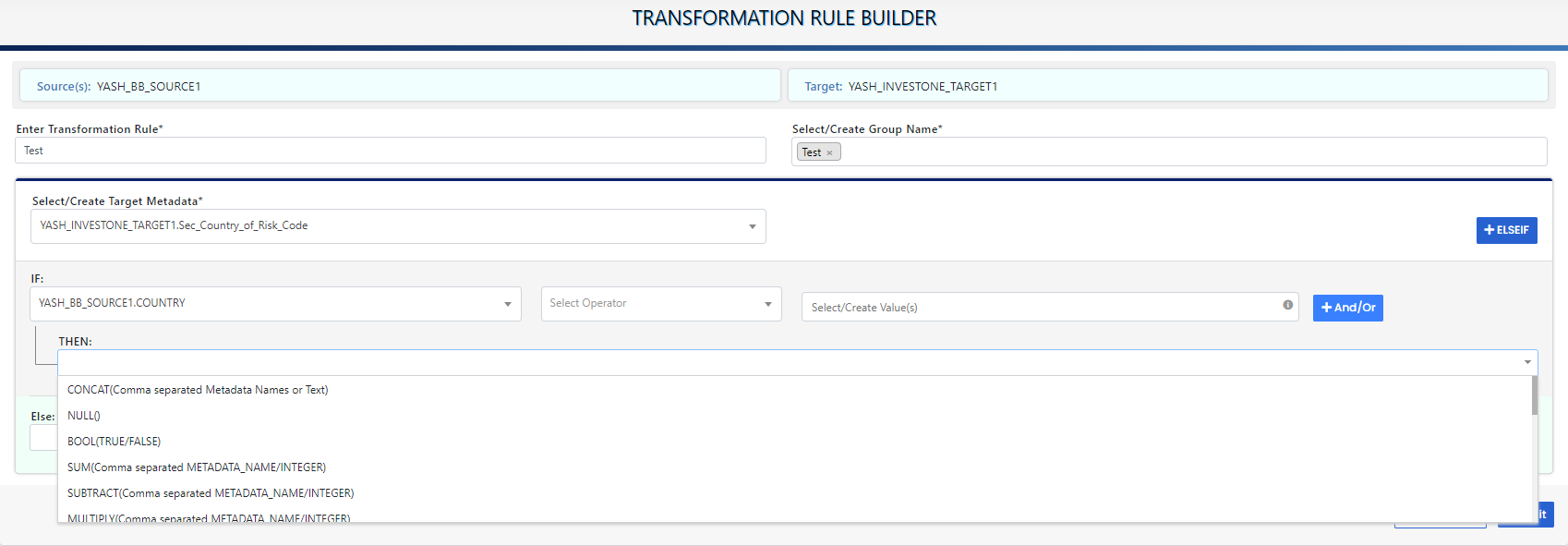
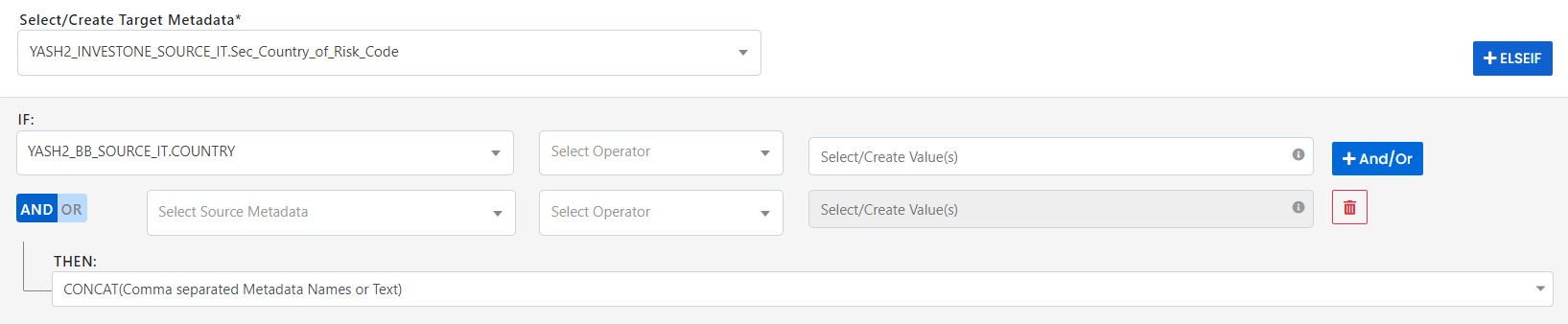
Once the business user has created Transformation rules for a set of Source and Target data, these need to be implemented. The Run Rules page is designed for this. It has three tabs, Preview Transformation Rules, Create New Workflow, and Run DQ Rules.